How to Use AI for Real Estate Marketing: A Step-by-Step Workflow
You've probably tried at least one AI tool by now. Maybe you typed in a prompt, got something that sounded stiff and generic, and decided AI just wasn't for you.
I hear that a lot. And I want to push back on it.
The problem isn't AI. The problem is using one tool and expecting it to do everything. The agents and brokers I see getting real results aren't using a single platform. They're using a short stack of specialized tools, each doing the job it was built for. Research in one place. Drafting in their voice somewhere else. Listing photos and branded visuals handled by something designed specifically for real estate. The results are better, the process is faster, and it's honestly not that complicated once you see how it fits together.
Here's how it works.
Think of It Like a Relay Race, Not a Solo Sprint
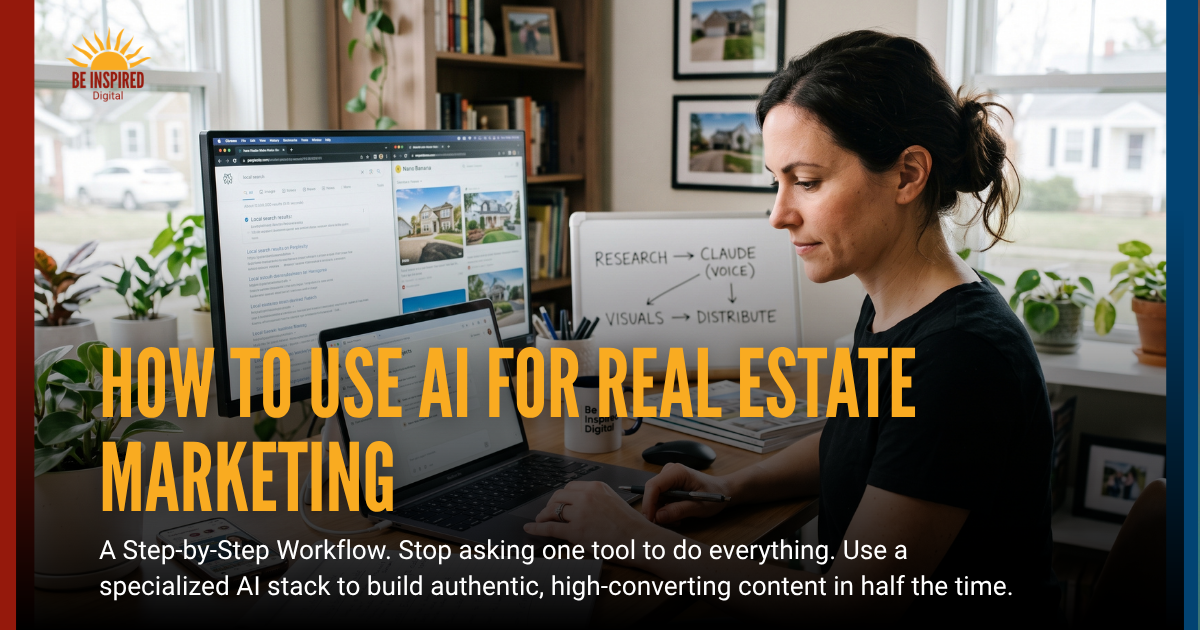
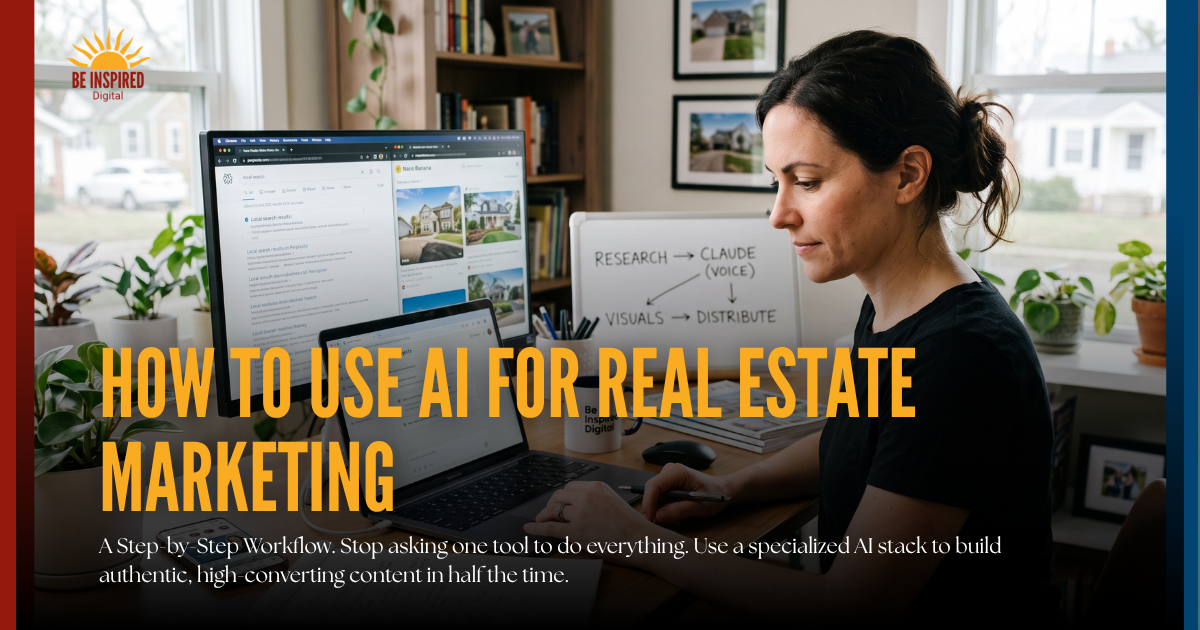
The workflow has four stages:
Research and raw material > Drafting in your voice > Visuals and branded graphics > Packaging and distribution
Each stage has a tool that wins at that specific job. Once you stop asking one platform to carry all four, everything gets easier.
Step 1: Do Your Research in Perplexity (or Gemini)
Let's get one thing out of the way: AI tools don't magically know your town. What they can do is search, summarize, and surface what already exists online, quickly and efficiently. That's genuinely useful, but only if you're using a tool that shows you where the information came from.
This is why I start every content project in Perplexity. Every result comes with source links you can click and verify. That matters for accuracy, and it matters for compliance. You always know where the information came from.
Try these prompts to get started:
- "Upcoming community events in [neighborhood] this month with links"
- "Best parks, trails, and dog-friendly spots in [city]"
- "Recent news affecting homeowners in [zip code]"
- "Give me 10 blog post ideas for a real estate agent in [city] that would rank for local search"
- "Create an outline and pull 3 to 5 supporting stats with source links for this topic: [your topic]"
Google Gemini is a strong alternative, especially for market stats, school ratings, and walkability data. Try both and see which returns better results for your specific market.
At this stage, your only job is to collect solid raw material: facts, stats, local details, and links. Save everything. You'll hand it off in the next step.
Step 2: Draft in Your Voice with Claude Projects
This is where the workflow gets powerful.
Most agents draft directly in whatever AI tool they opened first, paste in a topic, and hope for something usable. The output tends to sound like everyone else, because it is. There's no context. The tool doesn't know you, your market, or how you talk to clients.
Claude Projects solves that. A Project is a dedicated workspace where you upload your brand voice, writing samples, audience details, and any compliance guidelines you follow. The more examples you add of content that you have written, the more accurate the output will be. Once that's set up, every prompt you run inside that project produces output that sounds like you, not like something pulled off a generic template.
Here's the workflow I actually use:
- Take the research, notes, and verified links from Perplexity
- Inside my Claude Project, I create a specific, detailed prompt for whatever it is I’m working on.
- I paste everything from my Perplexity research into the prompt (See below for a bit of info on what to include in your prompt)
For a blog post: "Write a 900-word post for homeowners in [neighborhood]. Use a warm, educational tone. Include these stats with citations. End with a soft call to action to schedule a consult."
For a neighborhood guide: "Write a 600-word community guide for [area] aimed at move-up buyers with school-age kids."
For repurposing a finished draft: "Give me 5 social captions for this post, a 60-second video script, and 3 email subject lines."
Set up one Claude Project and call it your Marketing Hub. Store your brand guidelines, past content examples, and compliance notes there. It gets more useful over time, not less.
Step 3: Get Hyperlocal Content Working for You
Here's something most agents overlook: the more specific, community-focused content you publish, the more search engines and AI tools understand that you own a particular geographic area.
That means writing about your neighborhoods, your local events, the coffee shop on Main Street, and the dog park that every buyer with a Goldendoodle asks about. This kind of content isn't just good for search rankings. It's what makes you sound like a real person who actually lives and works in the community, because you do.
Use Perplexity to pull the local facts. Use Claude to turn them into content. Repeat that consistently and you will start to build something that compounds over time.
Step 4: Listing Photos and Visuals with Nano Banana
Written content is handled. Now let's talk about visuals, because in real estate, images still do a lot of the heavy lifting.
Nano Banana is the tool I recommend for real estate image work. It understands room geometry, perspective, and realism in a way that generic image tools don't, and that difference shows up in the final product.
What you can actually use it for:
- Virtual staging that looks photorealistic, not like a furniture catalog dropped into an empty room. Stage the same space in multiple styles to appeal to different buyer types, without misrepresenting the property.
- Listing photo cleanup: remove clutter, cords, brown patches of grass, trash cans in the driveway. Keep photos accurate while presenting the property at its best.
- Branded agent graphics: polished headshots, photos with a neighborhood backdrop, or agent-plus-property images that stay consistent across your signs, social posts, and mailers.
- Batch processing: generate multiple photo variations from a single shot, which saves real time on larger listings.
Consistency matters in personal branding. If your headshot looks different on your website, your yard sign, your business card, and your Instagram, your brand feels scattered. Nano Banana helps keep it cohesive.
Step 5: Newsletters That Don't Take All Day
Newsletters are one of the highest-return marketing channels for agents, and one of the most abandoned. Here's a simple way to put one together without spending your whole Sunday on it.
Gather your content first (10 to 15 minutes): Use Perplexity or a local news feed to pull 2 to 3 local stories, upcoming community events, a small business or restaurant spotlight, and your current market stats.
Draft with Claude (5 to 10 minutes): Paste everything into your Marketing Hub Project and prompt: "Turn this into a monthly newsletter for my past clients. Use clear sections, short paragraphs, and include calls to action back to my site."
Drop it into your CRM or email platform: Copy and paste into KW Command, Mailchimp, Follow Up Boss, or whatever you use. Done.
Once you're comfortable with that workflow, you can eventually automate parts of it using tools like Make.com or Zapier connected to an AI. But start simple. The manual version takes less than 30 minutes and is infinitely better than not sending a newsletter at all.
What to Include in Every Copywriting Prompt
If you want high-quality blog or email content from AI, your prompt matters as much as the output. The best prompts include a few essential elements:
- Objective: What should this piece accomplish (educate, convert, nurture)?
- Audience: Who is it for, and what do they care about?
- Core Message: The one key takeaway you want readers to remember.
- Key Points: Must-have facts, stats, or ideas to include.
- Tone & Voice: How it should sound (and what to avoid).
- Format: Structure, length, and layout expectations.
- Call to Action: What the reader should do next.
- Constraints: Style preferences (no fluff, no emojis, AP style, no em dashes, etc.).
- SEO (for blogs): Target keywords and search intent.
The more specific you are up front, the more strategic and useful the output will be.
Your AI Tool Cheat Sheet by Task
Market and local research: Perplexity. It gives you clickable links and real facts, so you can verify everything before it goes out under your name.
Blogs and voice control: Claude. It learns your style so you don't sound like a bot.
MLS listings and emails: Claude or Write.homes. Both respect Fair Housing language and MLS norms.
Photo editing and staging: Nano Banana. It's specifically built for room geometry and realism.
Social hooks and scripts: Claude or ChatGPT. Great for batching captions and fast video scripts.
Three Things to Keep in Mind
Build a workflow. Pick a simple sequence and repeat it. Research in Perplexity, draft in Claude, visuals in Nano Banana. The consistency is what builds momentum.
Always verify before you publish. AI surfaces what exists online. It does not fact-check itself. Review every stat, confirm every source link, and read every draft before it goes out under your name.
Let AI amplify your local expertise, not replace it. You know things about your market that no tool can access: the street that floods every spring, the neighborhood where multiple offers are back, the school that just got a new principal everyone loves. That knowledge belongs in your content. AI is simply how you turn it into something publishable, fast.
You don't need to be a tech person to make this work. You need a simple process, a short list of the right tools, and the willingness to try it once. Start with one blog post. Follow the steps above. See what comes back.
My guess is you'll be surprised by how close it sounds, and how little time it took.
The Be Inspired Blog